What are the Key Steps to Setting Up Panama E-Invoicing in CargoWise?
Panama e-invoicing is more than just a regulatory requirement; it directly impacts whether your invoices are legally valid, paid on time, and accepted by customers and authorities. For logistics companies, where invoices frequently involve multiple services, international customers, and special tax scenarios, electronic invoicing adds a level of precision that cannot be overlooked.
CargoWise has built-in support for Panama e-invoicing, but the system is completely dependent on how well it is configured and maintained. This blog explains how Panama e-invoicing works in CargoWise, what must be prepared before configuration begins, and the specific steps logistics teams must take to ensure invoices are consistently accepted—without rework or delays.
How does Panama E-Invoicing Work in CargoWise?
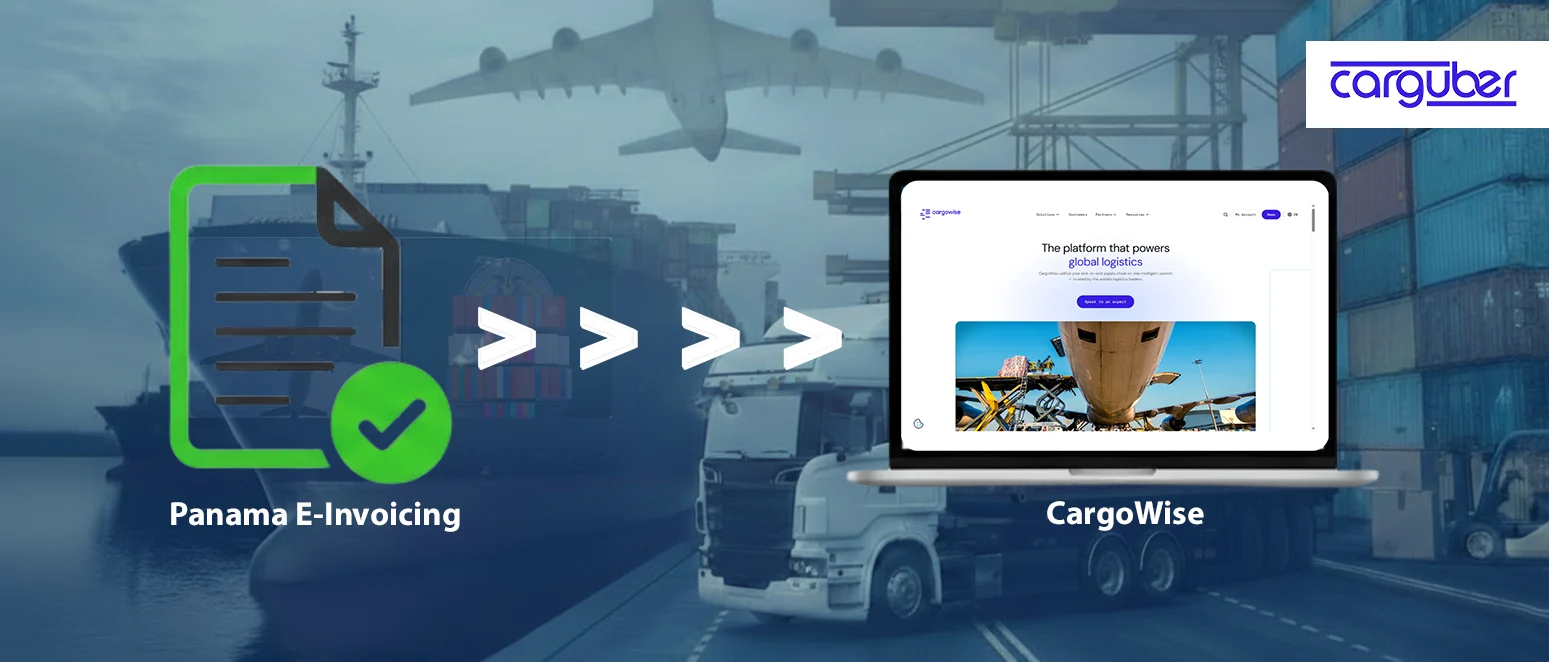
Panama e-invoicing is applicable to Accounts Receivable (AR) transactions issued by Panama-registered companies. When an eligible AR invoice is posted in CargoWise, the system creates a structured XML file containing all fiscal data required by Panama’s tax authority, Dirección General de Ingresos (DGI).
The process follows a defined electronic flow.
- CargoWise generates the electronic invoice XML
- The XML is sent to an authorized PAC provider
- The PAC performs technical and regulatory validation
- The invoice is forwarded to DGI for final authorization
- Authorization or rejection status is returned to CargoWise
Only invoices that have passed all validation checks are considered legally valid. If any required information is missing or incorrect, the invoice will be rejected and must be corrected and resubmitted.
The same electronic reporting and validation rules apply to eligible accounts receivable credit notes and adjustments, which must adhere to the same compliance and data standards.
Important Steps to Setting Up Panama E-Invoicing in CargoWise
Enabling Panama E-Invoicing in CargoWise
Panama e-invoicing is disabled by default in CargoWise. Companies must submit an official enablement request through CargoWise support and helpdesk.
Once enabled:
- The PAC integration is activated
- Panama-specific e-invoicing functionality becomes available
- The system is ready to send electronic invoices once the configuration is complete
Enablement alone does not set up master data, numbering, or compliance rules. These steps must be followed before electronic invoices can be issued successfully.
Branch Organization Proxy Configuration
Branch Organization Proxies specify how the issuer, or company issuing the invoice, is identified in electronic invoices. These records provide the basis for all issuer-related information reported in the XML.
Each Panama branch must have valid tax registration information recorded exactly as required by the tax authority. This information must be consistent across all branches of the same legal entity, as differences may result in invoice rejection.
Key issuer configuration areas include:
- Issuer registration details, including the required check digit
- Branch identification, allowing invoices to be attributed to the correct issuing location
- Branch location mapping, aligned with Panama’s official geographic structure
- Geographic coordinates, which are mandatory for electronic invoice reporting
Throughout the submission process, all issuer data is validated together. A single incorrect field can lead to the entire invoice failing validation.
Receivables Organization Configuration
Receivables organization records describe how buyers are identified and classified on electronic invoices. Buyer configuration has a big influence on whether invoices are accepted.
Customers registered in Panama must provide valid local registration information. Foreign customers must present a valid foreign identification, whereas final consumers must not be recorded with tax registration information. Incorrect buyer identification is one of the most common causes of Panama e-invoice rejection.
Further considerations for the buyer’s configuration include
- Buyer taxpayer classification (individual or legal entity)
- Buyer fiscal category, which affects how the invoice is validated
- Payment method reporting, derived from agreed or invoice terms
- Buyer email details, used for automatic delivery of authorized electronic documents
Buyer data should be reviewed regularly, especially when onboarding new customers or changing payment arrangements.
Registries
The System Registry settings enforce Panama e-invoicing rules throughout the CargoWise environment, preventing non-compliant invoices from being generated.
The key registry controls are
- Allocation of compliance document numbers at posting
- Restrictions on negative charge lines
- Error notification settings for failed submissions
- Place-of-supply controls for special billing scenarios
- Additional validation behavior for government customers
Invoices for specific use cases, such as Free Trade Zone services or international operations, are classified based on the Fixed Place of Supply (FPOS) configuration. These settings control how the invoice is classified and reported to the tax authority.
Invoicing government entities is subject to additional registry controls. These include mandatory government-specific product or charge classification requirements. When these registry controls are properly configured, non-compliant invoices are prevented from being created, reducing the likelihood of downstream rejection and allowing for early detection of issues before invoices are submitted for validation.
Compliance Number Sequence
Every Panama electronic invoice must contain both a fiscal document number and a sales point identifier. Compliance sequences determine how these values are generated and assigned.
The compliance sequence defines:
- The numbering structure
- Where are numbers allocated?
- How does numbering progress over time?
Digital submissions of transactions that lack a valid compliance subtype and sequence will be rejected during validation.
Electronic reporting is only available for transactions involving the Panama compliance subtype. Transactions that do not have the required compliance subtype will not be sent for electronic validation, even if they post successfully.
Invoice Tax Messages
Panama requires that tax amounts be reported using specific tax codes defined by the tax authority. CargoWise configuration handles this using Invoice Tax Messages, which must be correctly linked to tax groups and applied to the appropriate tax IDs.
Invoice tax messages must:
- Be linked to the correct tax groups
- Be assigned to each applicable tax ID
- Be applied consistently across charge lines
Missing or incorrect tax messages result in invoice rejection, even if the tax amounts are correct.
Service Task
EPA – Panama E-Invoice Processing Service Task
This service task is in charge of submitting eligible Accounts Receivable transactions to the PAC platform and receiving authorization or rejection notifications. It is enabled by default and must be kept active for Panama e-invoicing to work properly.
This service task:
- Sends eligible AR transactions to the PAC platform
- Receives authorization or rejection responses
Before You Touch Configuration: What You Need to Know
Before configuring Panama e-invoicing, teams need to understand how CargoWise handles organization master data, system registry controls, compliance sequences, invoice tax messages, and service tasks. These components are interconnected, and misalignment between them frequently causes invoice rejection after posting.
- Organization master data
- System Registry settings
- Compliance sub-types and sequences
- Invoice tax messages
- Service tasks and notifications
These components are tightly linked. Misalignment is one of the most common causes of invoice failure after posting. It is also important to note that CargoWise does not automatically correct incorrect data; errors appear only when invoices are validated by the PAC or DGI.
Why does Panama E-Invoicing Require a Structured Configuration?
Panama’s e-invoicing framework allows little room for interpretation. For logistics companies handling complex billing scenarios, an unstructured setup results in:
- Rejected invoices
- Delayed billing
- Manual corrections and resubmissions
- Slower cash flow
A structured approach ensures that compliance is built into daily operations rather than addressed after failures occur.
- Compliance rules are applied consistently
- Errors are prevented before invoices are posted
- Electronic validation becomes predictable rather than reactive
Carguber Advantage
While CargoWise provides the technical framework for Panama e-invoicing, its daily success is determined by how consistently it is used. This is where Carguber helps to maintain operational discipline around e-invoicing.
Carguber helps logistics teams by:
- Supporting consistent master data practices
- Identifying invoice risks before submission
- Improving visibility into validation feedback
- Supporting complex billing scenarios
- Helping maintain compliance as operations evolve
We help logistics teams get more value out of CargoWise’s e-invoicing capabilities while reducing the day-to-day friction caused by invoice rejections.
Conclusion
Setting up CargoWise in Panama. E-invoicing is a compliance-critical process that requires meticulous planning, accurate data, and strict CargoWise configuration. When properly implemented, it allows for smoother invoicing, faster approvals, and more stable financial operations.
For Panama logistics companies, the right setup reduces risk and invoice rejections and keeps cash flow moving. Contact us today to discuss your Panama e-invoicing setup and ensure that your CargoWise configuration is correct, compliant, and ready to go live.