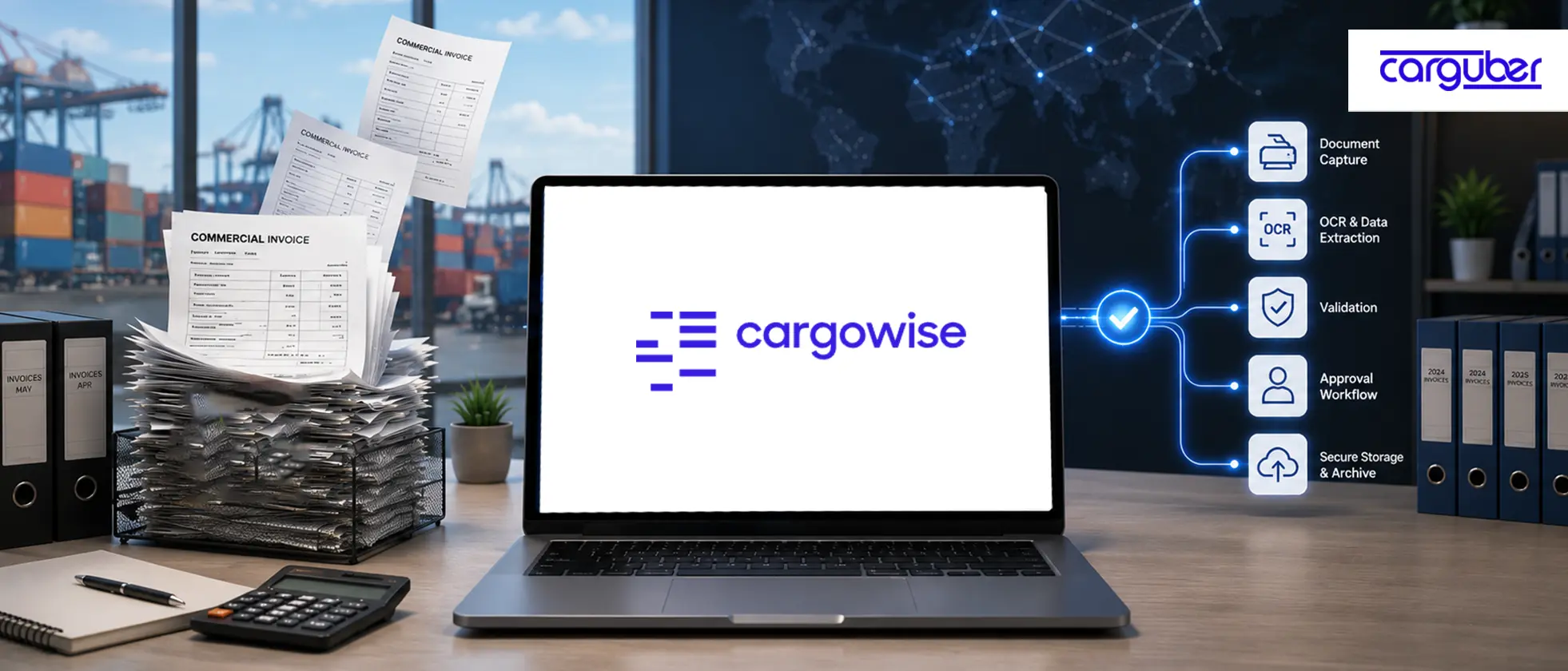
How does the CargoWise Document Management Portal Help Eliminate Manual Commercial Invoice Processing?
The most significant delays in freight forwarding rarely begin with shipments. They start with documents.
Commercial invoices include critical information for customs declarations, compliance, shipment processing, billing, and reporting. However, many logistics teams continue to manually extract, validate, and enter invoice data into CargoWise.
As shipment volumes increase, this repetitive process consumes valuable time, raises the possibility of errors, and slows operational workflows.
The CargoWise Document Management Portal is changing this by utilizing AI-powered document automation and structured data extraction to convert commercial invoices into usable operational data.
CargoWise Document Management Portal
CargoWise Document Management Portal is a web-based workspace where users can review parsed commercial invoice data before entering it into CargoWise.
The portal, which is intended to simplify the process of reading, extracting, and allocating documents before applying the data to jobs in CargoWise, has been launched. This feature allows users to use AI-powered parsing to extract key data from documents uploaded into CargoWise via the eDocs tab on any shipment, brokerage job, or customs declaration, and then review or edit the results in a dedicated web-based portal.
This is significant because it preserves human control. Instead, it transitions the workflow from manual data entry to structured data review.
Your team can continue to review, correct, approve, and validate invoice data without having to start from scratch.
Why does Manual Commercial Invoice Processing Slow Down Freight Forwarders?
Commercial invoices are not simply attachments. They serve as data sources for multiple teams.
Operations teams require invoice information to validate shipments. Product descriptions, values, HS codes, origin details, and quantities are all required by customs teams. Finance teams require invoice totals, currency, and billing details. Compliance teams require accurate data to reduce risk.
When this information is manually captured, several issues arise.
- Repeated data entry among teams
- Higher risk of typing errors
- Delayed customs preparation
- Slower billing and job costing
- Inconsistent data across jobs
- More time is spent checking and correcting information
This is why manual commercial invoice processing slows down more than one task. It affects the entire shipment process.
How does CargoWise Document Management Portal Speed Up Commercial Invoice Processing?
Traditionally, commercial invoice processing has been based on manual data entry. Users receive an invoice, review it, extract key details, and enter the data into CargoWise before it can be used for customs, billing, compliance, or operational processes.
The CargoWise Document Management Portal takes an entirely different approach.
Instead of requiring users to manually enter information, CargoWise employs AI-powered document parsing to extract invoice header and line-item data directly from commercial invoices. Supplier information, invoice references, product descriptions, HS codes, quantities, values, and invoice totals are all presented in a structured review environment for validation before being applied to the appropriate CargoWise job.
Turning Documents into Structured Data
Instead of treating commercial invoices as static documents, the portal converts them into structured data that can be reviewed, validated, and reused across CargoWise workflows. This reduces manual effort while providing a more consistent data foundation for the operations, customs, and finance teams.
Replacing Data Entry with Validation
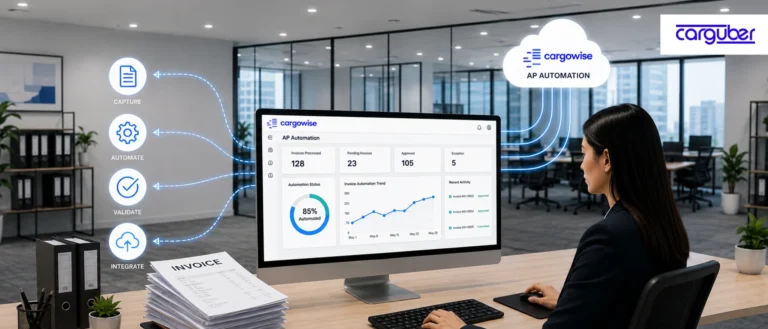
The role of the user shifts from entering information to reviewing and validating extracted data. Built-in validation checks help identify missing invoice information, incorrect line items, quantity discrepancies, and invoice total mismatches before data is finalized. This improves both speed and accuracy.
Connecting Invoice Data Directly to CargoWise Jobs
Once the extracted data has been reviewed and approved, CargoWise will automatically update the associated shipment, brokerage, or commercial invoice record. This eliminates the need to manually transfer data between documents and operational records, ensuring that information is consistent throughout the workflow.
Creating a Foundation for Smarter Automation
The document management portal serves not only as a tool for reviewing documents. It represents a shift toward intelligent document automation, with commercial invoices transformed into structured, validated, and actionable data that supports customs processing, compliance, billing, reporting, and future workflow automation initiatives throughout the CargoWise environment.
How does the Process Work Inside CargoWise?
The commercial invoice workflow begins when a user uploads an invoice to CargoWise using eDocs.
From there, the document parsing feature can be enabled in the CargoWise registry settings. The uploaded document must be assigned as a commercial invoice, and once uploaded, CargoWise sends an AI-powered parsing request.
In general, the process goes like this:
- Upload the commercial invoice to eDocs
- Set the document type as Commercial Invoice
- Enable parsing where required
- Let CargoWise extract commercial invoice data
- Review the parsed information in the Document Management Portal
- Correct or approve the data
- Apply confirmed information to the related CargoWise job
Documents can also be created, captured, and stored in a secure location, allowing businesses to simplify document handling in the cloud, according to CargoWise’s eDocs webpage.
Why is Proper CargoWise Configuration Important?
While CargoWise Document Management Portal has significant automation capabilities, successful implementation requires proper configuration.
Organizations should thoroughly review:
System Configuration:
- Document parsing settings
- Registry configuration
- eDocs setup
- Commercial invoice document types
Security Configuration
- User permissions
- Role-based access controls
- Approval workflows
Data Configuration
- Product code libraries
- Validation rules
- Business process requirements
User Adoption
- Staff training
- Workflow documentation
- Change management
Without proper CargoWise configuration and governance, organizations may fail to benefit from the full benefits of invoice automation.
How does Carguber Help CargoWise Users?
To successfully implement document automation, you must have CargoWise expertise as well as a solid understanding of logistics processes.
As a CargoWise expert, Carguber works closely with freight forwarders, customs brokers, and logistics providers to configure, optimize, and support CargoWise workflows such as Document Management Portal setup and commercial invoice processing enhancements.
Our services include CargoWise configuration, eDocs setup, document parsing configuration, registry setup, security and permissions management, product code matching support, workflow automation, reporting, integration assistance, and user training.
The objective is simple: help your team maximize the value of your CargoWise environment, reduce manual labor, and improve data quality.
Conclusion
Commercial invoice processing has traditionally been one of the most time-consuming tasks in freight forwarding and customs operations. Manual data entry slows down workflows, increases the risk of errors, and reduces operational efficiency.
CargoWise Document Management Portal addresses these issues with AI-powered document parsing, structured data review, validation, product code matching, and automated job updates.
Businesses that transition from manual data entry to a streamlined review process can improve data accuracy, speed up customs and billing workflows, and scale operations more efficiently.
If your team is still manually processing commercial invoices, contact us today. We help you configure, optimize, and maximize the value of the CargoWise Document Management Portal, allowing you to increase operational efficiency.